My Thoughts After Using GrapheneOS
I installed GrapheneOS on a Google Pixel 7a
These are my thoughts on the setup and use of the OS, and if I will keep it.
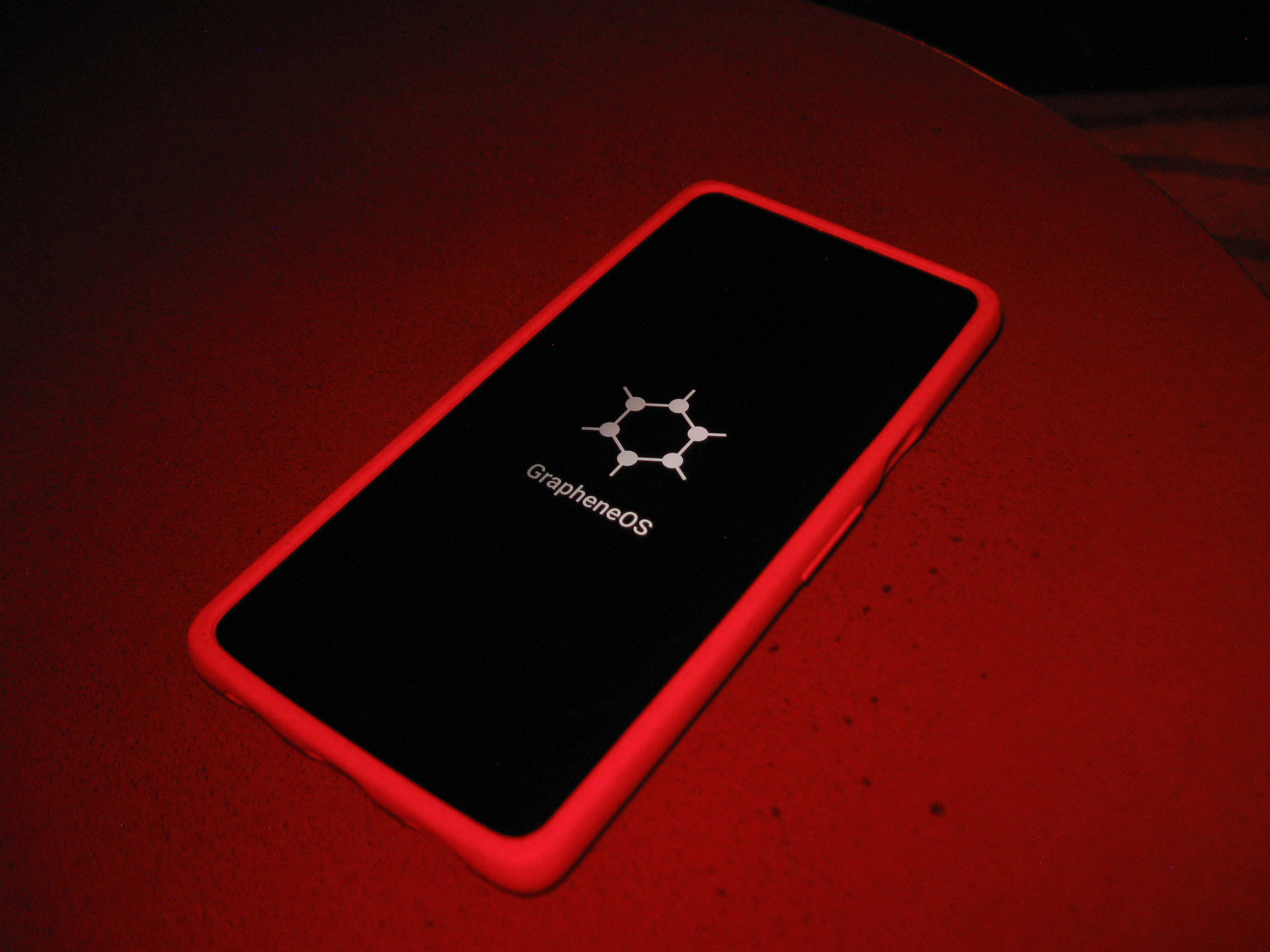
// intro
For the past few years, I've been following GrapheneOS in its development and the (slightly) more mainstream adoption of it as an alternative to stock Android. Being a college student, it was hard to justify buying even a pre-owned Google Pixel to load it on when I had a perfectly functioning phone already. However, with Google's push to make it harder to download your own software onto a phone you purchased, I finally decided it was time to take back full control with GrapheneOS.
// why grapheneOS?
What makes GrapheneOS so special, compared to normal stock Android, is its focus on a security-first operating system. GrapheneOS often develops security features that later get added to stock Android, so if you're looking for cutting edge protection then GrapheneOS is what you want. The reason that GrapheneOS is only functional for Pixels right now (though they do have a Motorola partnership in the works) is due to hardware security built into the Pixel. Simply put, the developers of GrapheneOS don't see the point in developing a really strong bike lock, if you're just going to loop it through the front tire instead of the frame. They could make the most secure OS on the planet, but if the phone hardware can bypass their work on the OS, then what's the point?
Now, I bought a $200 Pixel 7a off of Ebay. The issue with this is their support for development will end in less than a year's time. I'm aware of this, but, due to my current budget constraints at the moment, I decided to sacrifice my current time with this device to hopefully invest in the ability to get a more up-to-date device in the future with a longer support window. This phone will likely get turned into a different side project once that happens, so the tech will not go to waste.
// installation
For the installation of GrapheneOS, there are two methods, web-based and CLI. I picked CLI because it is supposedly the "more advanced" installation, and I wanted to challenge myself. Though this ended up not really being the challenge I was hoping for, as the wiki makes it incredibly straightforward. I'm used to wasting hours troubleshooting installs on odd devices, so to have it happen so quickly with no problem was a breath of fresh air. After plugging the Pixel into my desktop and copy/pasting a handful of commands into my terminal, I had a phone with an entirely different OS running on it. I'm curious as to how much easier the web-based installation is considering how easy I found the CLI installation, though I am not curious enough to wipe my whole phone again to find out.
// first impressions
The very first thing I noticed upon boot was how similar the setup was to setting up any mainstream Linux distribution. This may sound intimidating, especially to anyone who hasn't installed Linux before, but I actually prefer this over stock Android or iOS setup. This is because nearly every option on setup is genuinely optional. GrapheneOS can be setup with no internet access; while when I originally booted into the stock Android on the Pixel, I couldn't access the phone itself until I put in a SIM or connected to my WiFi. That alone was major for me since it makes GrapheneOS a lot more reliable as a standalone operating system rather than a mobile OS that needs to be internet tethered. If I wanted to keep the files for this version of GrapheneOS and put it on a Google Pixel 7a 10 years from now, I could do that relatively safely by keeping it offline.
Outside of the potential for an offline install, I found the setup very normal for just getting the phone up and running.
// configuration and issues
Most of the time consuming work with the phone comes from configuration. GrapheneOS has a lot of options to customize your security to your personal wants and needs, and while I totally could just use it as-is with secure default settings, I wanted to see what it had to offer.
The main, and most time consuming set up was multiple user profiles. I used multiple users on my previous phone to force a sort of sandboxing away from Google applications, and I found out that it also was the only thing to genuinely help curb some of my social media addictions. Having to consciously switch profiles to use apps like Instagram forced me into being mindful on if and when I actually wanted to use it. I knew that I wanted to do it again on the GrapheneOS phone even though Google applications are automatically sandboxed by the OS.
This is where I ran into my biggest issue with set-up, if you want an app across all user profiles it cannot be downloaded on each individual profile. If you individually install an application on each profile, the application might update on one profile first. Due to some back-end with how GrapheneOS works with app compatibility, the single updated app can brick all the older version of the same app. There is an easy fix for this though, the admin profile can download the app and then copy it onto all the other profiles. This keeps the versions consistent and avoids that collision. The downside of course is that the admin profile has to download the app to be able to assign it.
I came up with a total of 4 profiles that I use right now: The Admin, The Primary, The Secondary, and The Important. Admin holds almost nothing except for messages. I used Google Messages on my previous phone which offers RCS capabilities. While I am not a fan of relying on Google for this, I really like RCS chats and the general compatibility it offers to Apple-Android communication. For GrapheneOS (and possibly other Android phones, I'm not sure) only the admin user account can use RCS chats. So for me, the Admin profile works like a early 2000's flip phone with only call and text. I'll go into more detail about The Primary in a bit, but for now The Secondary houses all the applications that I don't find very important but I would like to have quarantined from anything that they can scrape data from. Applications like Instagram, Facebook, and even AXS or the Southwest application like to try to overreach as much as they can to obtain all the user information they can. If I only allow them to run on a profile that doesn't get that much use, they have less information to gather. The Important profile is for things like health and banking apps, as nowadays it is easiest to maneuver these industries through their applications on the phone. I don't want any other companies to have access to this information, so they stay far away from everything else.
So what's the deal that makes The Primary so special?
// FOSS
Yeah it's the FOSS. The Primary is the user account that gets the most action. Since GrapheneOS doesn't come pre-packaged with Google applications, it gives me the opportunity to find FOSS solutions to problems Google "solved" for the price of my data.
I first installed Neo-Store on the profile, which is a UI that can house multiple application repositories including F-Droid, the dominating FOSS application repository for Android. I then went through each category of application I needed and tested out a couple different apps to see which one I liked the most. I tried 3 different music players, 2 different calculators, 2 different file explorers, and 2 different weather apps. So my experience is highly customized to exactly what I am looking for with my phone. If an app didn't have a feature or UI that I liked, I would uninstall it and try a new one. Neo-Store offers a safety rating for these apps and explains anything risky that the app may do. Most of the time, the risk is something that is worth taking for the application to run, like a weather app requesting location services to tell you the weather at your exact location. On applications like my music player, GrapheneOS allows users to set up "Storage Scopes" so the application may only see the files or folders I choose; the music player only needs access to my music folder so it has a storage scope for only that.
Now for the app I was most worried about finding a replacement for--Google Maps. This turned out to be surprisingly easy to ditch. The FOSS alternative I found was OrganicMaps, which does need your location for navigation services, but does not collect it. OrganicMaps is able to keep decently up to date maps for anywhere in the world by having users send in updates as needed when things change. It is also fairly small as an application because it only downloads map layouts of the areas that you choose. The only thing OrganicMaps has missing from Google Maps is the ability to read reviews of different locations via the app, but that's a convenience I have easily replaced by finding Yelp and Reddit responses about the place instead.
To download non-FOSS applications that I need for my day-to-day, I used Aurora Store to anonymously download the apps via the play-store. I found for everything but games (which often rely on Google Play Services) works well through this method. I don't play any phone games, so it was not really an issue for me personally; though I have faith in GrapheneOS' Google sandboxing to be able to handle that if the need arises.
// closing thoughts
I have been using this setup now for a few months, and I don't see myself ever going back. Having this level of control and customization over my phone is honestly freeing for me. It feels like my phone now fits in with the rest of my tech ecosystem by being tailored to my exact wants rather than being a separate entity that I had to make constant compromises to use. Before GrapheneOS, I could use my Google-free Linux desktop or laptop all day, just to have to close it and go to Google maps to navigate to a restaurant for dinner that night. It was dissonant, and not something I enjoyed.
I plan to upgrade to a new Google Pixel once my 7a fully falls off support in 2027. This one will probably be converted to a full-on Linux machine using something like Ubuntu mobile to become a work-horse machine for a different project. For now, this is truly my phone and I couldn't ask for anything more.